Understanding Brisket Boss 5000 Error Codes
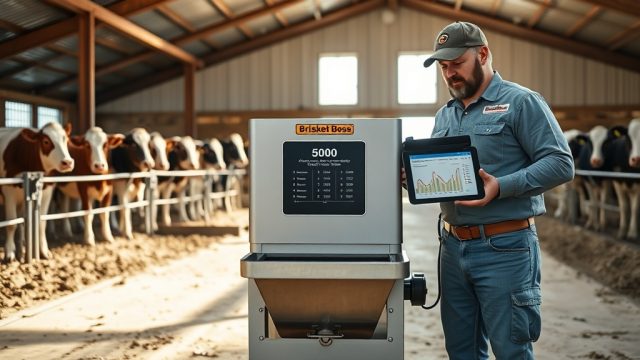
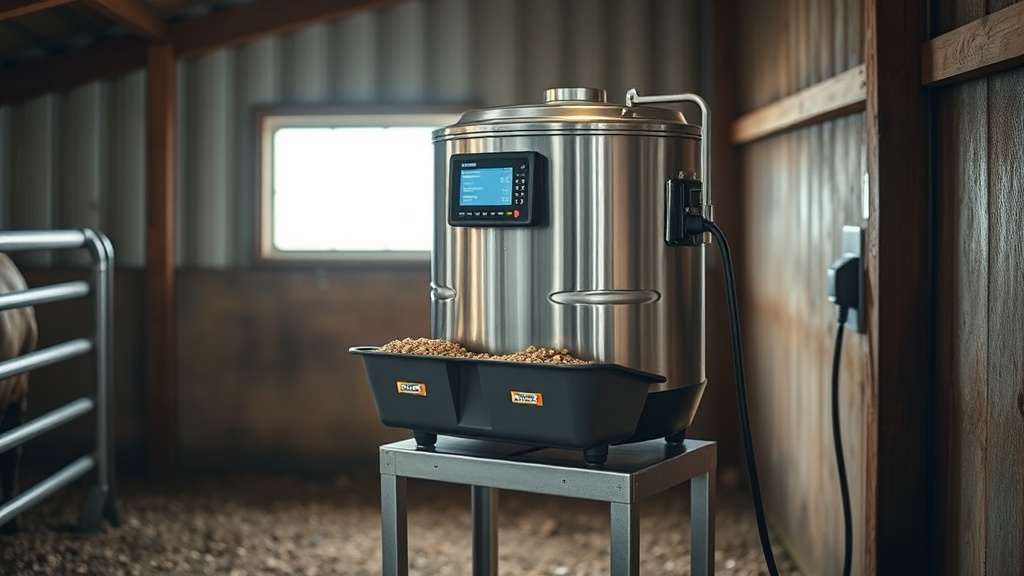
The Brisket Boss 5000 is a sophisticated automatic feeder, but its health-monitoring system can sometimes throw error codes that leave operators scratching their heads. This guide focuses on the most common programming and sensor faults, offering practical steps to get the unit back to rationing feed reliably. From temperature sensor inconsistencies to motor stall alerts, we cover the codes that matter most in daily barn operations.
What Does Error Code E-01 Mean on the Brisket Boss 5000?
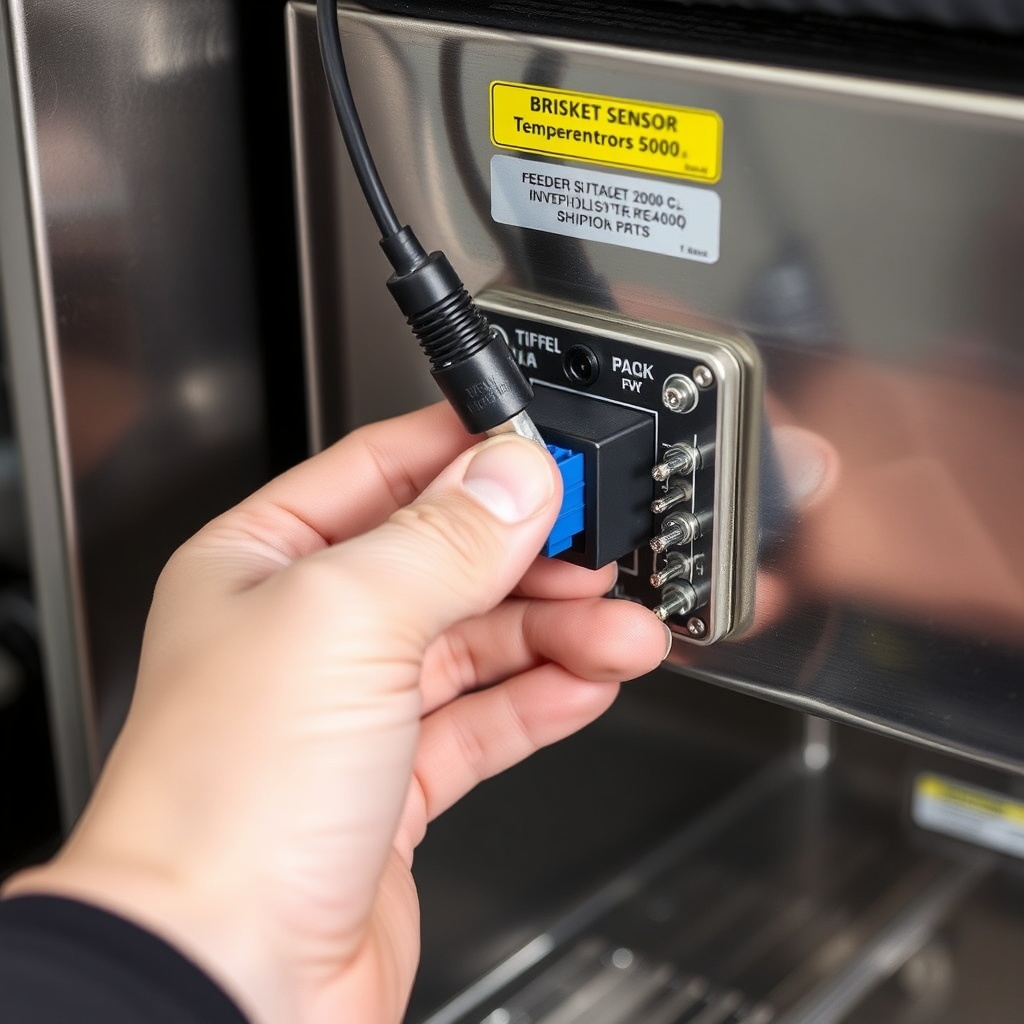
Code E-01 indicates a primary temperature sensor communication fault. The unit’s internal ambient thermometer has either lost signal or is reporting values outside the -10°C to 50°C operational range. This often occurs after a power surge or when the sensor cable is pinched during cleaning. The system defaults to a 21°C ambient setting, which can affect feeder programming accuracy if left uncorrected.
To fix this, inspect the sensor plug (located behind the control panel) for corrosion or loose pins. Disconnect and reconnect the connector firmly. If the error persists, replace the temperature probe (part number BB5K-TEMP-01, £38.00). A quick reset by holding the ‘Menu’ and ‘Down’ buttons together for ten seconds often clears the code after the repair.
How to Diagnose a Motor Stall Error (Code E-03) on the Brisket Boss 5000?
Error E-03 means the auger motor detected excessive resistance during a programmed feed cycle. This is less about programming and more about physical obstructions or worn components. Common causes: a bridging feed bridge in the hopper, a foreign object (like a rock or piece of twine) jammed in the auger flighting, or a failing motor bearing after about 2,000 hours of run time.
First, manually rotate the auger shaft (accessible via the clean-out port on the bottom) using a 10mm hex key. If it turns freely, inspect the motor current draw with a multimeter at the motor connector; normal draw is 1.2 A at no load, spiking to 2.5 A under full load. If the draw exceeds 3.0 A, the motor brushes are likely worn. Replacement motor assembly (BB5K-MOT-01) costs approximately £145.00. After clearing the jam or replacing the motor, press ‘Reset’ for three seconds to clear the fault.
Why Does the Brisket Boss 5000 Show Error Code E-07 (Low Battery Backup)?
Even though the unit plugs into mains power, it has an internal rechargeable backup battery to preserve programming and time settings during power outages. Code E-07 signals that this battery has dropped below 11.0 volts. Over time (typically three to five years), the NiMH battery pack loses capacity, especially in cold barn environments below 5°C.
The backup battery is located behind the lower control box cover. Replacement part BB5K-BAT-01 is £22.00. Disconnect mains power, remove the two Phillips screws, slide out the old pack, and install the new one. The unit will automatically begin charging the new battery upon reconnection. While the error code does not stop normal operation, ignoring it means you risk losing your scheduled feed times during a winter power cut.
Can a Sensor Calibration Error (Code E-10) Be Fixed Without a Technician?
Code E-10 indicates that one of the two feed level sensors (high and low) is reporting an inconsistent state. This often happens after a feed refill when a piece of ration gets lodged on the sensor lens. The system thinks the hopper is both full and empty simultaneously, which confuses the health-monitoring logic.
Begin by cleaning both sensors with a soft, dry cloth—do not use water or solvents. The sensors are located on the interior wall of the hopper, approximately 15 cm from the top. If cleaning fails, perform a manual calibration: enter the ‘Service Menu’ (press ‘Menu’ for five seconds, then enter code 1010), select ‘Sensor Calibration,’ and follow the on-screen prompts. The process takes about two minutes and requires an empty hopper. If the error persists, the sensor board (BB5K-SNS-01, £55.00) has likely failed. In our shelter setup guide, we recommend mounting the unit away from direct sunlight to avoid heat-induced sensor drift.
What Should You Do When Error Code E-14 (Feed Ration Overfill) Appears?
Error E-14 is a safety interlock that triggers if the feed level in the trough exceeds the maximum safe depth for three consecutive cycles. The Brisket Boss 5000 uses an ultrasonic sensor to measure trough fill. Causes include incorrect trough size (minimum recommended is 60 cm width), a blocked auger discharge chute, or programming a feed amount that exceeds trough capacity.
First, check that your trough matches recommended water trough dimensions. Then, reduce the ‘Portion Size’ parameter by 10% in the daily schedule. The code will auto-clear after two successful cycles at the new portion size. If the trough is deeper than 25 cm, you may need to install the optional extension bracket (BB5K-EXT-01, £29.00) to raise the sensor height.
Why Does the Brisket Boss 5000 Display Intermittent Error Code E-21?
Error E-21 is an RF interference code, indicating that the wireless communication between the feeder and the optional remote monitoring hub has been disrupted. This is rare, but it happens when the hub is placed near metal structures or fluorescent lighting. The feeder continues to operate on its last programmed schedule, but you lose health-monitoring alerts.
Move the monitoring hub at least 2 meters away from metal barn supports and switch off any nearby LED drivers. The hub antenna should be positioned vertically. If the error occurs more than twice a week, try pairing the hub again: power cycle the feeder, then press the ‘Link’ button on the hub for four seconds. Code E-21 will clear automatically within sixty seconds of a stable connection.
| Severity | Error Codes | Typical Response Time |
|---|---|---|
| Usually Not Urgent | E-07 (Low Battery), E-21 (RF Interference) | Can wait up to 14 days before repair |
| Needs Attention Soon | E-01 (Temp Sensor), E-10 (Sensor Calibration) | Repair within 3–5 days |
| Immediate Intervention | E-03 (Motor Stall), E-14 (Overfill) | Resolve within 24 hours |
What Owners Say About Brisket Boss 5000 Programming Troubleshooting
John P. in Herefordshire reports: “I got E-03 three times last winter. Turned out a piece of silage netting wrapped around the auger. Once I cleaned it out and replaced the motor brushes, it’s been running smooth for six months.”
Susan K. from Devon notes: “The E-07 code came on but I ignored it for three weeks. Then we had a one-hour power cut and I lost my whole feeding schedule. I learned my lesson—now I replace the battery yearly. It’s a cheap fix.”
Many owners also mention that cleaning the sensors quarterly prevents E-10 from ever appearing. Dusty barns with fine feed particles are most susceptible. One simple trick: run a blower through the hopper vent before each refill.
Frequently Asked Questions
- Can I clear an error code without fixing the problem?
Yes, by holding the ‘Reset’ button for three seconds, but the code will return if the underlying issue remains. - How often do motor brushes need replacement on the Brisket Boss 5000?
Approximately every 2,000 operating hours, or about 18 months under typical twice-daily feeding cycles. - Does Error E-14 affect feed quality or animal health?
Not directly, but overfilling can push feed into the water trough, leading to spoilage and potential digestive upset for livestock. - What is the warranty coverage for these error codes?
The standard two-year warranty covers sensor and motor failures due to manufacturing defects; blockages and battery wear are not covered. - Can cold weather cause more error codes?
Yes. Below -5°C, the auger motor may draw higher current due to thicker grease, triggering E-03. Using synthetic gear oil can help. - Is there a way to view a log of past error codes?
Yes. Enter the service menu (code 1010) and select ‘Event Log.’ The unit stores the last 20 errors with date and time stamps.